 Aakaar
01
Floor plan editor
Draw walls, rooms, doors, and windows. Work in plan view with real dimensions, then flip to 3D without leaving the browser.
Aakaar 3D is the home design editor from Big Knock Down Studios. Sign in here, launch the WebGL editor, and reopen the same saved projects.
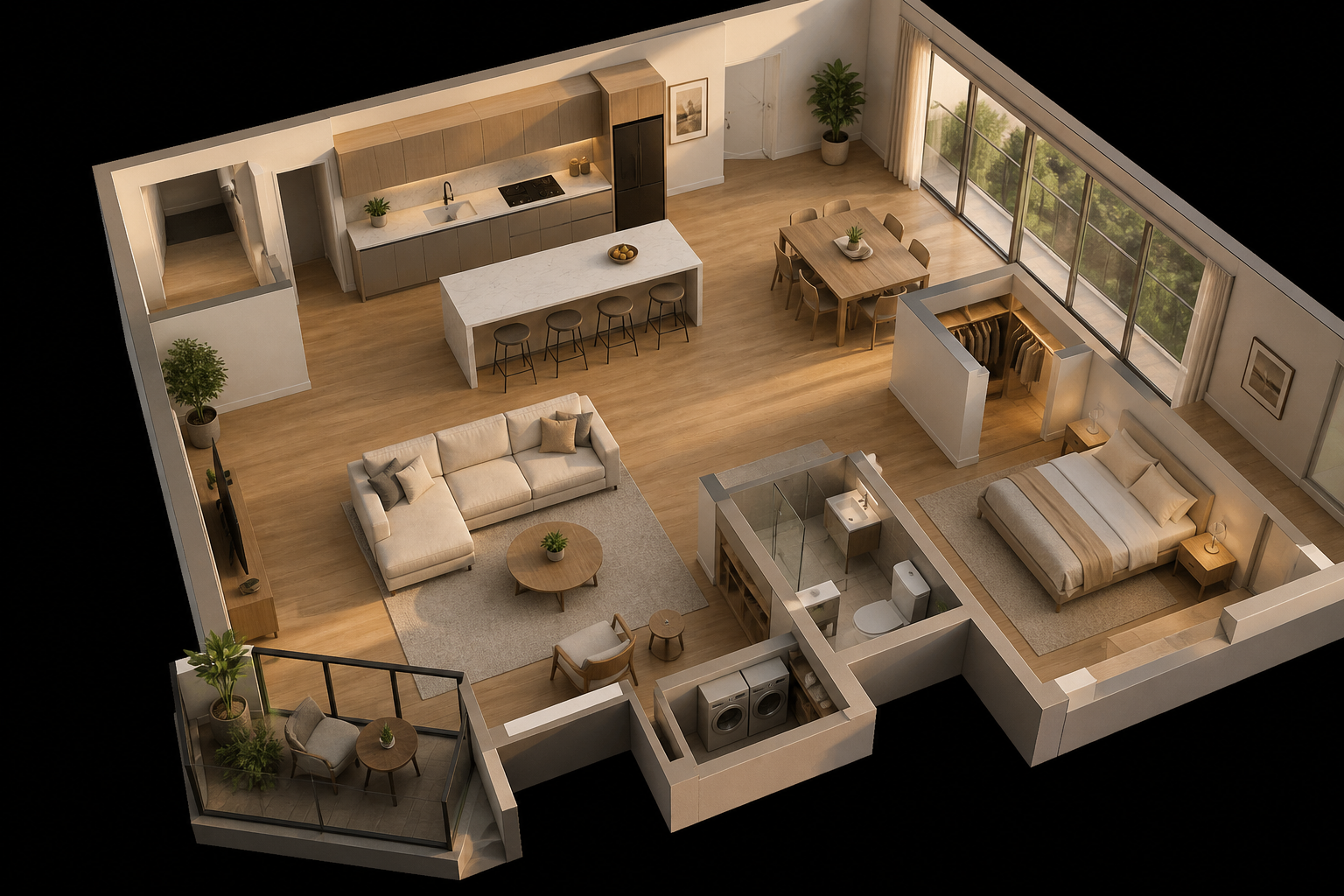
See it
Sketch rooms, open doors and windows, dress the interior, then orbit the model. One sign-in unlocks the editor and your live project list.
Product
Built for homeowners, interior teams, and anyone who needs a clear 3D read of a floor plan before they build.
Draw walls, rooms, doors, and windows. Work in plan view with real dimensions, then flip to 3D without leaving the browser.
Orbit, dollhouse, and interior views of the same project. See height, materials, and furniture as they will sit in the room.
Place catalog items, paint walls, and swap finishes. The editor keeps 2D and 3D in sync as you design.
Upload an existing plan image and start from that layout instead of tracing every wall by hand.
Sign in, save, and reopen designs from any machine. Templates and user files live together in your gallery.
Export a top-down plan sheet or a 3D view when you need to share the design with a client or contractor.
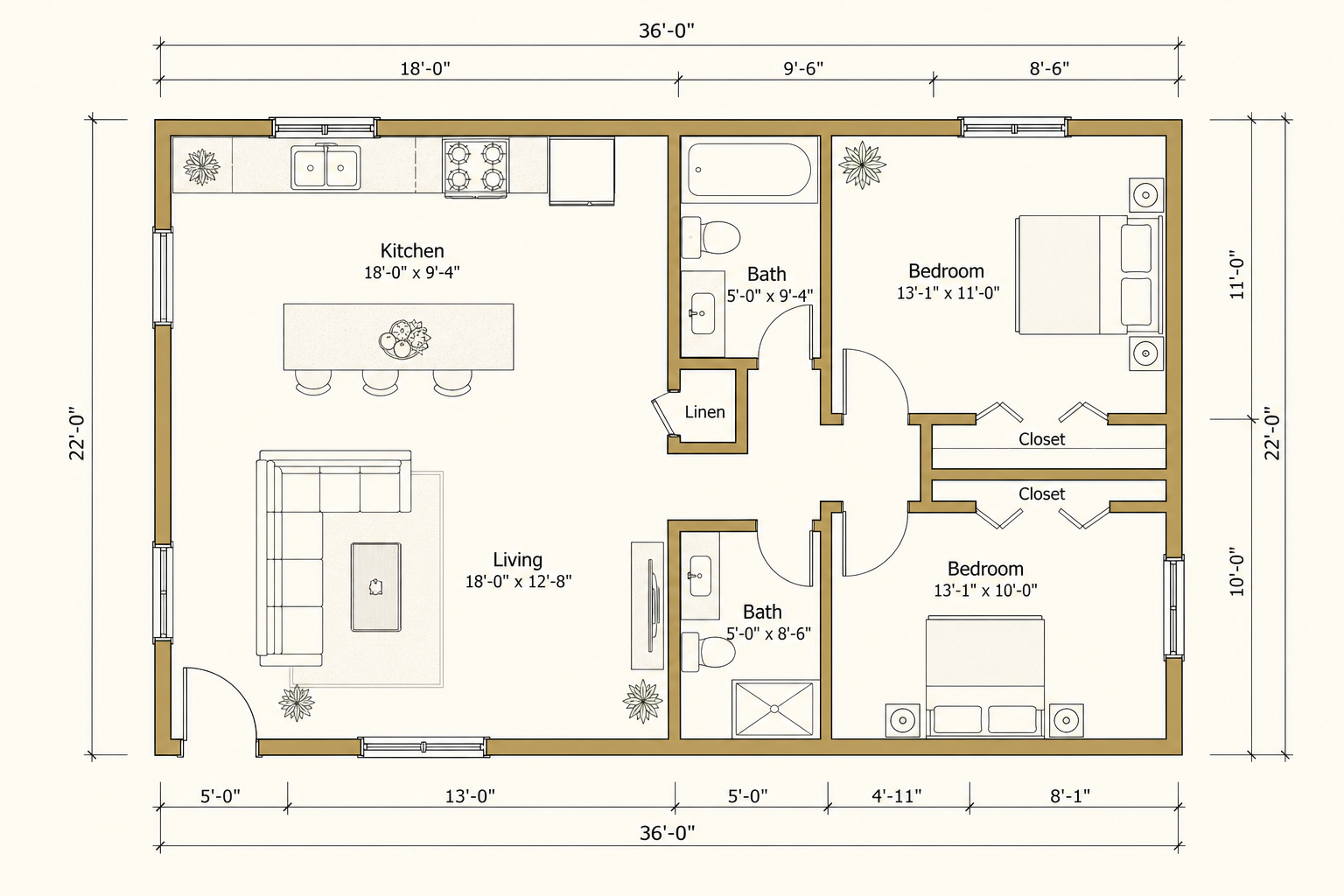
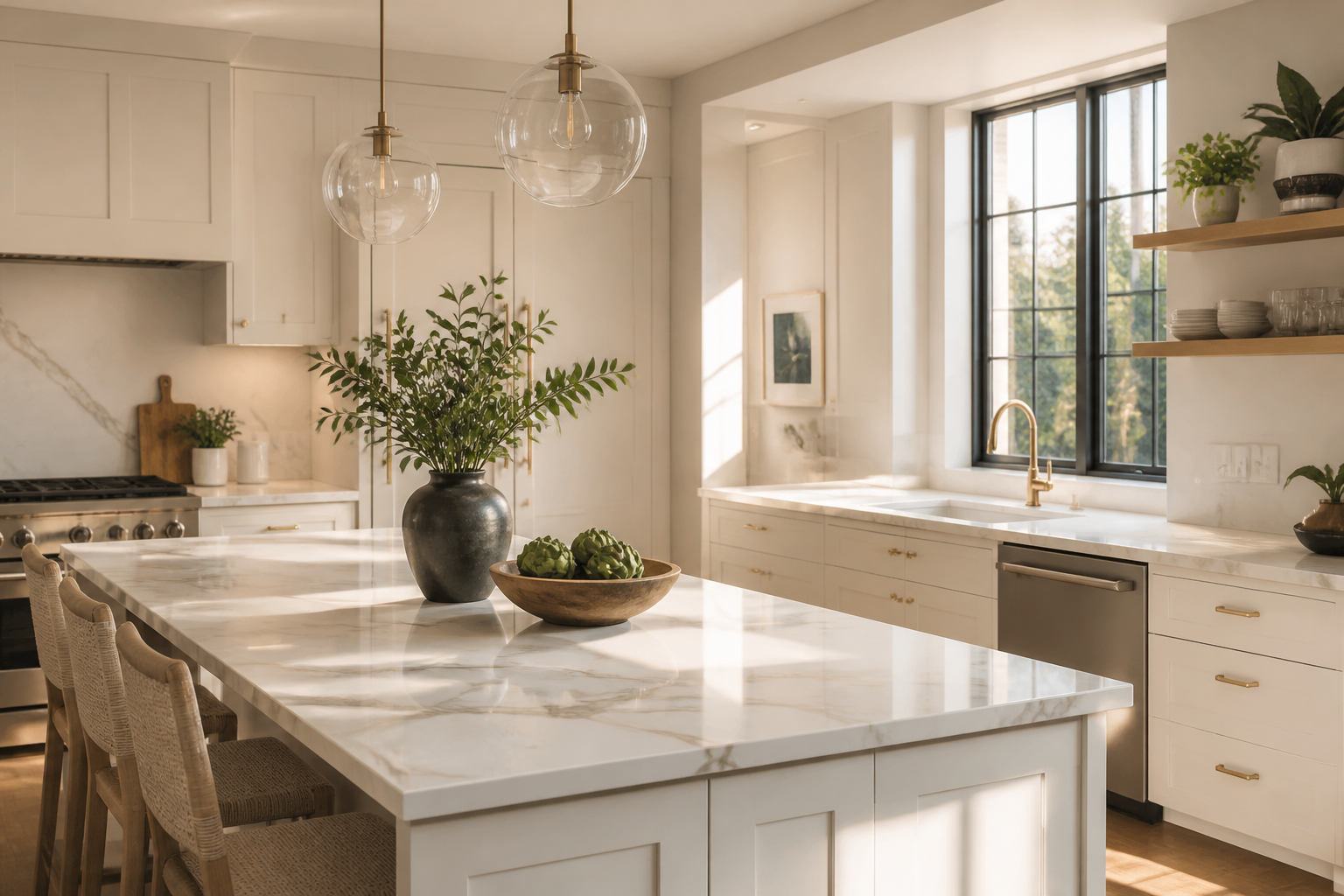
Look inside
Floor plan, furnished apartment, and kitchen — the same path a project takes from drawing to walkthrough.
Your work
These are the same files the editor loads from the live API. Open one to continue in WebGL.
No saved projects yet. Launch the editor to create one.
How it works
Sign in on this page. The editor uses that same token. The gallery keeps a public view of templates and files.
Use your Aakaar account on this site. That stores a Bearer token the editor reads automatically.
Launch the WebGL editor, block out floors, add openings, and check the space in 3D as you go.
Projects stay on the live API. Reopen them from this page or from the dashboard inside the editor.
Get started
Sign in first, then launch the editor. Use the gallery to browse templates and public files.
The full design app in the browser — floor plans, interiors, and 3D preview. Best on desktop. Sign in required.
Browse templates and manage saved designs in the existing gallery.
Sign in on this page, then open the editor. Your live projects follow you in.
Account
The same login the editor uses. After you sign in, Launch editor opens with your saved projects.
Need an account? Create one, then come back here to sign in.